

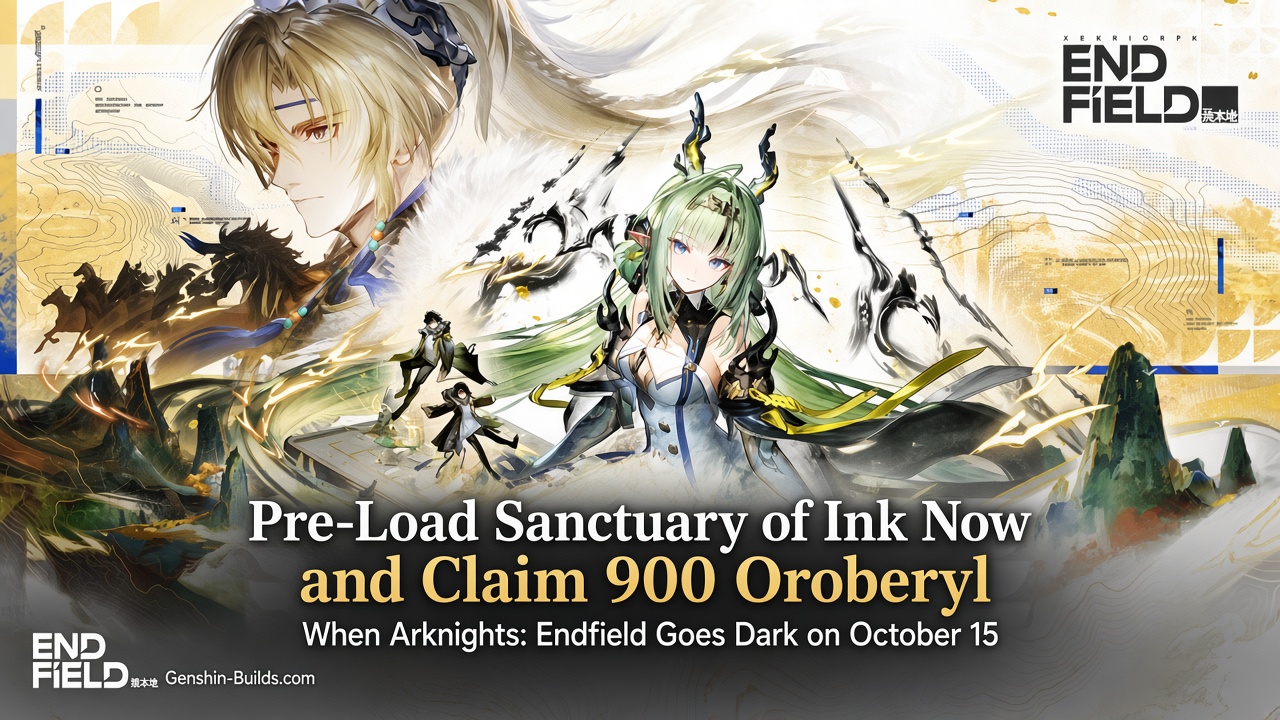
Pre-Load Sanctuary of Ink Now and Claim 900 Oroberyl When Arknights: Endfield Goes Dark on October 15
If you have not started your pre-download for Arknights: Endfield’s Sanctuary of Ink update, you might want to clear some space on your drive today. The patch lands on October 15, and the download sizes range from 5 GB on a phone to a hefty 47 GB on PlayStation 5. Anyone who waits until maintenance ends will be stuck watching a progress bar while everyone else is already diving into the new content.
There is a silver lining. Every player who created a character before the update goes live will receive 900 Oroberyl as compensation. That payout lands in your in-game mail after maintenance finishes, so the first thing you should do when servers come back is open your inbox and claim it before it vanishes during the next version’s maintenance window.
When servers go down
Maintenance does not hit everyone at the same time. The Asia server shuts down on October 15 at 06:00 UTC+8 and stays offline until 12:00 UTC+8. Players on the Americas and Europe servers go dark earlier, on October 14 at 17:00 UTC-5, and come back at 23:00 UTC-5 the same day.
You cannot log in during those windows. The update is mandatory, meaning the client you have now will not work once maintenance ends. You will need to download the new version either before or after the downtime.
Pre-download steps for each platform
The pre-download is live right now. How you start it depends on which device you play on.
PC
Open GRYPHLINK. Look for a Pre-Download icon to the left of the Play button. Click it and the launcher will pull down roughly 9 GB of data. Gryphlink recommends installing the game on an SSD for better performance after the patch.
Mobile (Android and iOS)
Launch the game. On the login screen you will see a Pre-Download Resources icon. Tap it to begin. The mobile download is about 5 GB. There is a catch, though: once you start the mobile pre-download, you cannot play the game until it finishes. The pre-download period ends on October 15 at 05:30 UTC+8, so plan your play sessions around that cutoff.
PlayStation 5
Go to the PS5 home screen, highlight Arknights: Endfield, press the Options button on your controller, and select Check for Update. The console will start downloading the patch, which is a chunky 47 GB. Make sure you have enough free space before you trigger it, because the console also needs extra room for file extraction.
Storage: what you actually need
The download size is not the full story. Each platform needs temporary extra space while it unpacks the files. Here is what you should budget for:
- PC: 9 GB download, 15 GB extra for extraction (the extra space frees up after the process finishes).
- Android: 5 GB download, 5 GB extra for extraction.
- iOS: 5 GB download, 5 GB extra for extraction.
- PlayStation 5: 47 GB download, 52 GB extra for extraction.
That extraction space is temporary. Once the update is installed, the console or PC will reclaim it. But if your drive is nearly full, the update will fail before it even starts unpacking.
What the compensation covers
The 900 Oroberyl is a flat apology for the downtime. It goes to anyone who had a character on their account before the patch. The mail containing the currency will expire when the next version update arrives, so do not let it sit unclaimed for weeks.
There are more rewards waiting beyond the compensation. A New Version Guide page inside the game offers an additional 1,000 Oroberyl, 10,000 T-Creds, and other items. That page will appear after you log in following the update.
What Sanctuary of Ink actually adds
Two new Operators arrive with this patch: Si and Argent Flow. The update also introduces a new game mode called Contingency Contract: Indigo Experimental Operation, plus an inn management feature that lets you run your own lodging. These are the headline additions, but the patch notes include a long list of fixes and quality-of-life changes as well.
What to do before maintenance hits
A few tasks are worth knocking out while the current version is still running:
- Check your in-game mail for any unclaimed rewards and grab them before they expire.
- Finish any limited-time events that will disappear when the servers go down.
- Spend stamina or other daily resources that could overflow while you cannot log in.
- Start the pre-download now so you are not waiting for files to transfer after maintenance ends.
How to update after maintenance
If you completed the pre-download, the post-maintenance update will be much smaller. The client only needs to download the files you did not grab in advance. If you skipped the pre-download, you will have to pull the full patch before you can play.
The update method varies by platform:
- PC: Close the game, restart GRYPHLINK, and click Update.
- Android: Open the game and follow the pop-up prompts.
- iOS: Go to the App Store and tap Update.
- PlayStation 5: From the home screen, select Arknights: Endfield, press Options, choose Check for Update, and confirm.
First things to do after servers come back
Once you are logged in, the order of operations matters. Open your in-game mail and collect the 900 Oroberyl compensation first. Then head to the New Version Guide page to pick up the extra 1,000 Oroberyl and T-Creds. After that, you can start exploring the new Operators, the Contingency Contract mode, and the inn management system. Double-check your settings and control layout, because the client update sometimes resets preferences.
The Sanctuary of Ink update is a big one, and the pre-download window is the best chance to avoid sitting through a slow download on patch day. Clear the space, start the pre-load, and you will be back in action the moment maintenance ends.